1
Click the Button Below
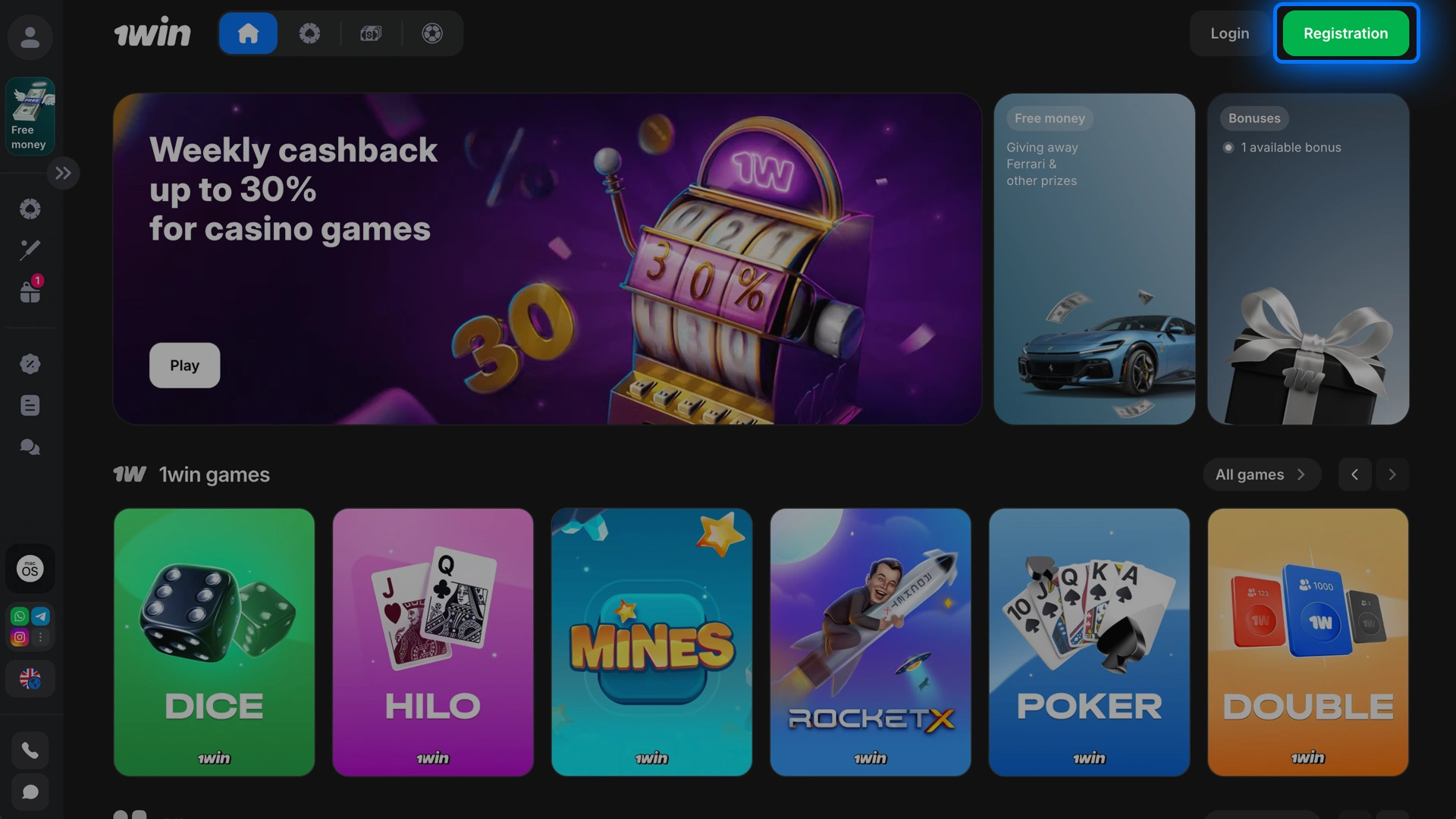
Tap Login to start your 1win Aviator login process.

Take off in the 1win Aviator game built for quick moves and sharper cash-out calls. You can play for real money or practice risk-free in demo mode to learn the rhythm. New players can get a 500% bonus up to 600,000 PKR, or 600% up to 750,000 PKR on crypto deposits to power Aviator gameplay. The interface is intuitive, the action is fast, and you predict when to cash out as the multiplier climbs.
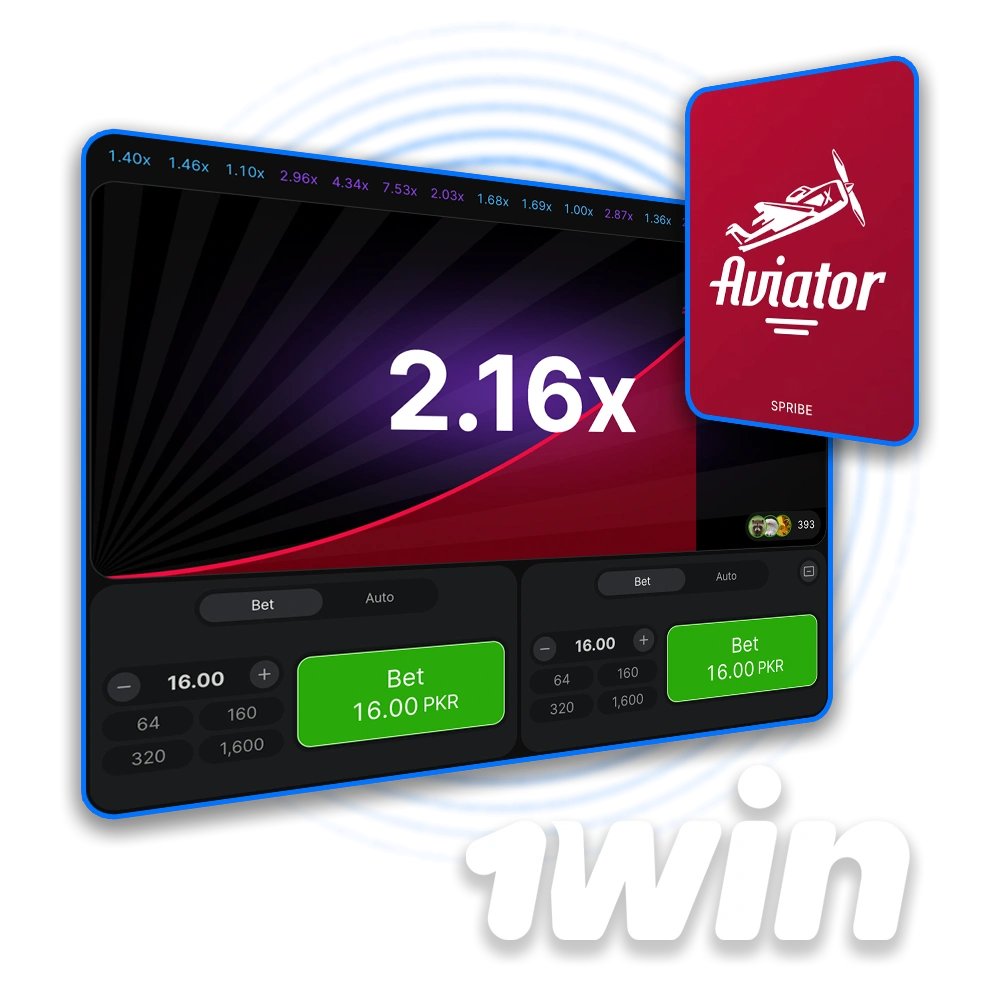
Aviator is one of the most engaging crash games on 1win because the rules are simple and rounds are quick. You get a fair shot to act fast, manage risk, and take profits when the plane flies.
Here is the key information you need before you start playing Aviator online.
Availability of limits and languages can vary by site settings; check in-game info for the latest details.
| Game Name | Aviator |
| Year of Release | 2019 |
| Provider | Spribe |
| Platform | 1win |
| Game Type | Crash multiplier game |
| RTP (Return to Player) | 97% |
| Demo Mode | Yes |
| Minimum Bet | From PKR 10 |
| Maximum Win | Up to 10,000x stake (e.g., PKR 5,000,000 on a PKR 500 bet; payout caps may apply) |
| Bonus for New Users | 500% up to 600,000 PKR; 600% up to 750,000 PKR for crypto deposits |
| Auto Bet Feature | Yes (Auto Bet and Auto Cash Out) |
| Works On | iOS, Android, PC |
| Languages Supported | English, Hindi, Urdu, Russian |
You need a personal account to play Aviator at 1win. Register and add funds before placing your first bet.
Start small, learn the timing, and build your plan round by round.
Tap Login to start your 1win Aviator login process.
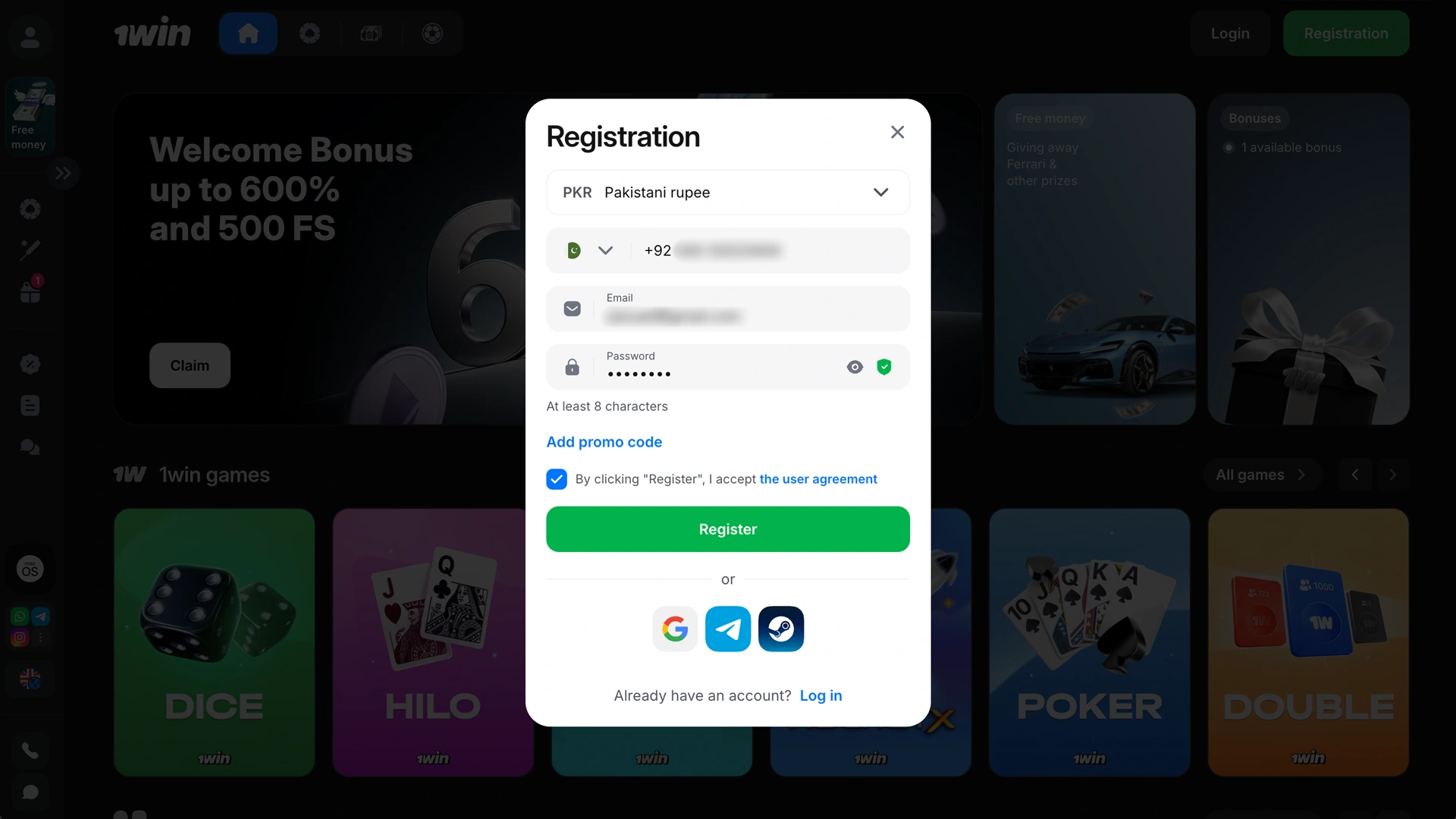
Enter phone or email, set a strong password, and confirm registration.
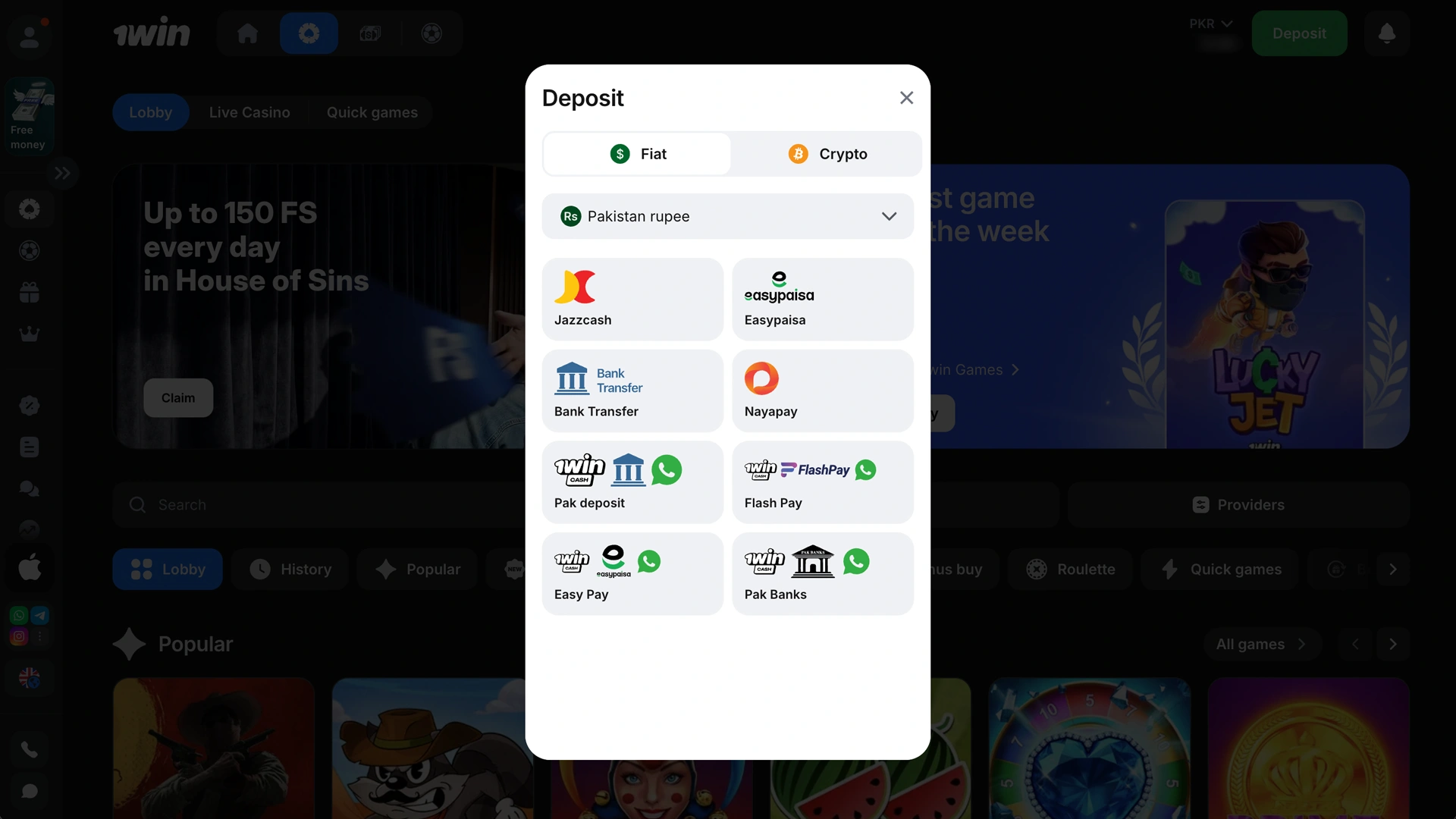
Add funds using JazzCash, Easypaisa, Visa, MasterCard, bank transfer, or crypto.
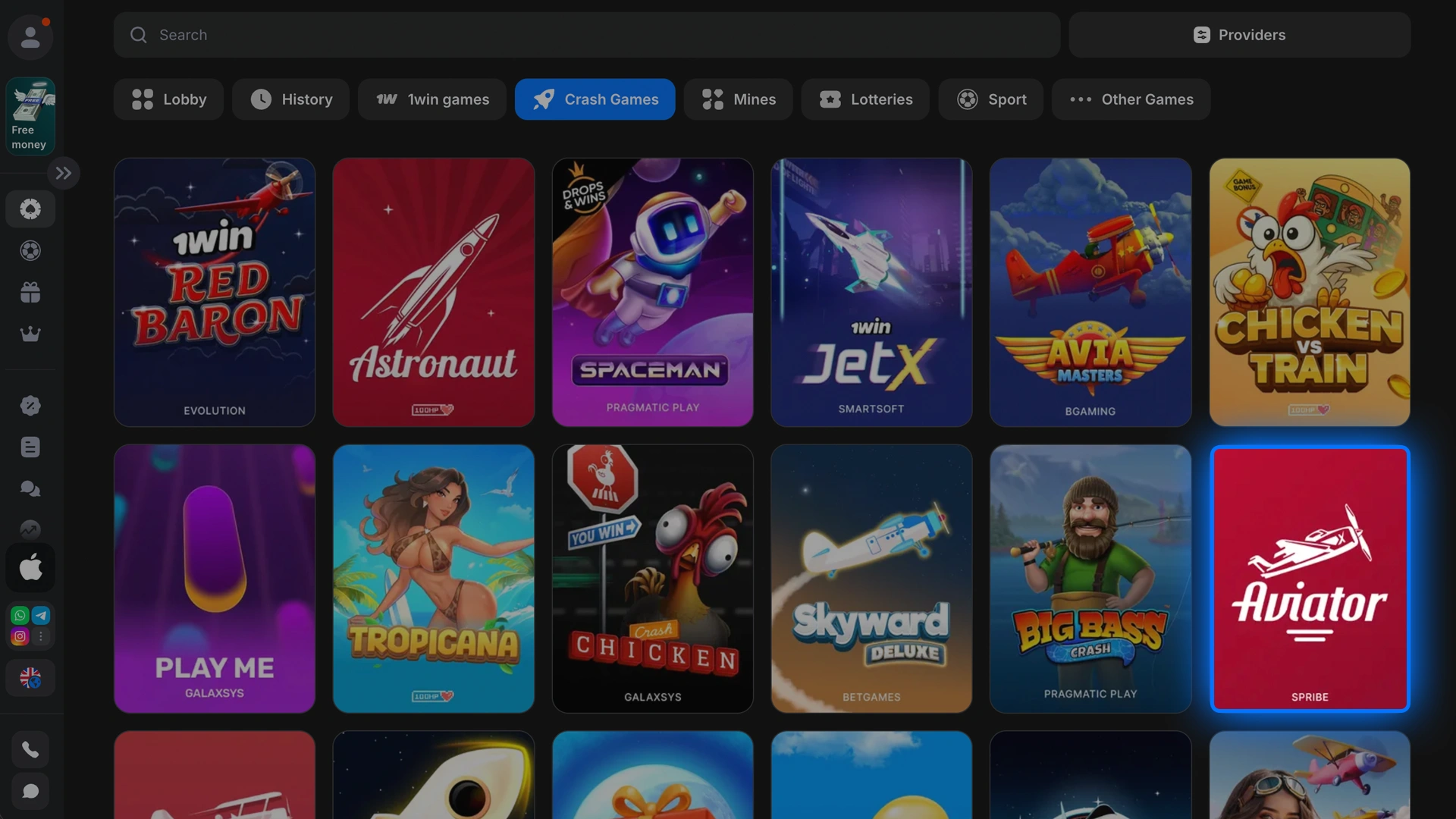
Find Aviator in the casino lobby and launch it; try demo first if you like.
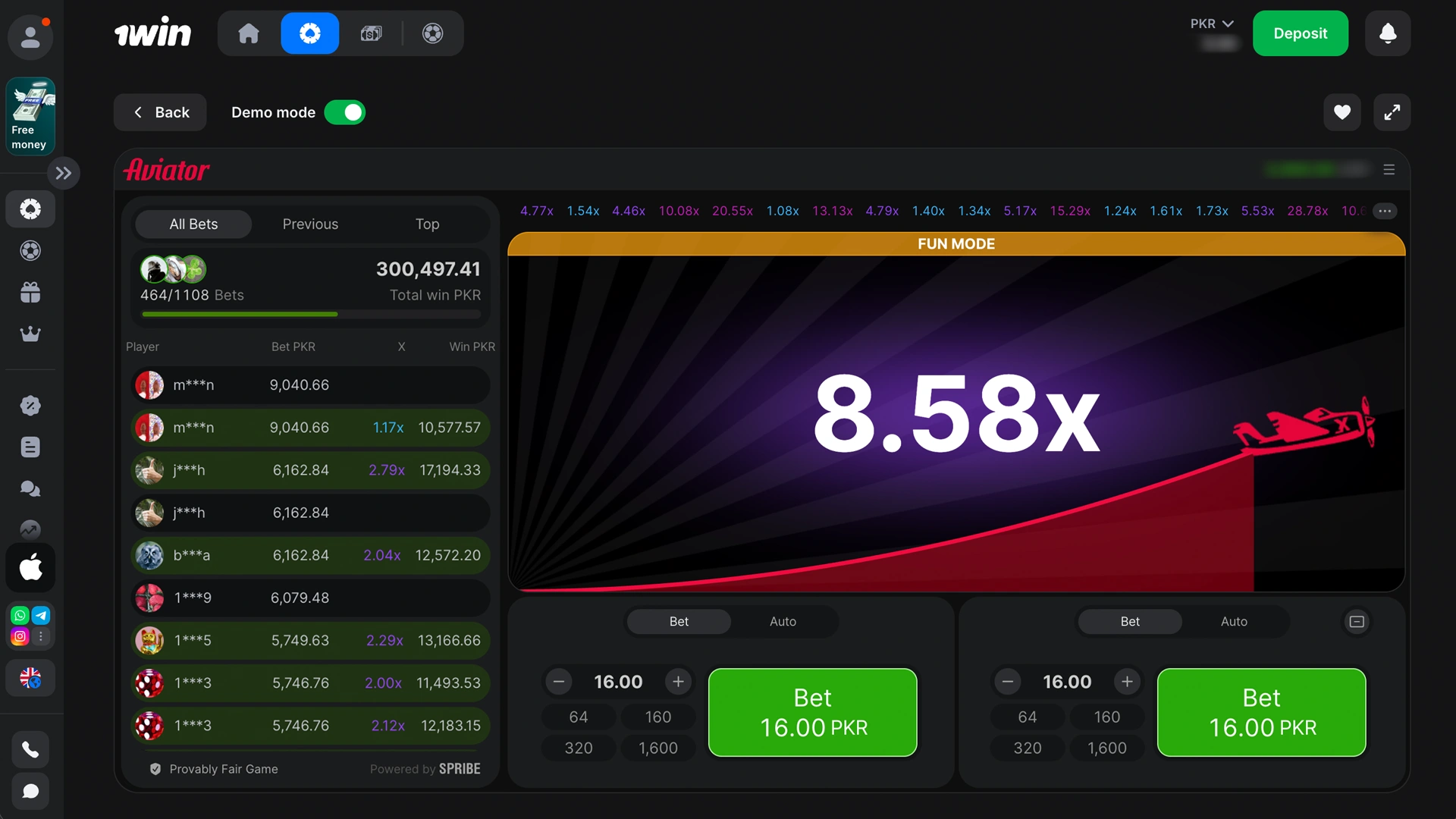
Set stake, enable Auto Cash Out if needed, and exit before the plane flies away.
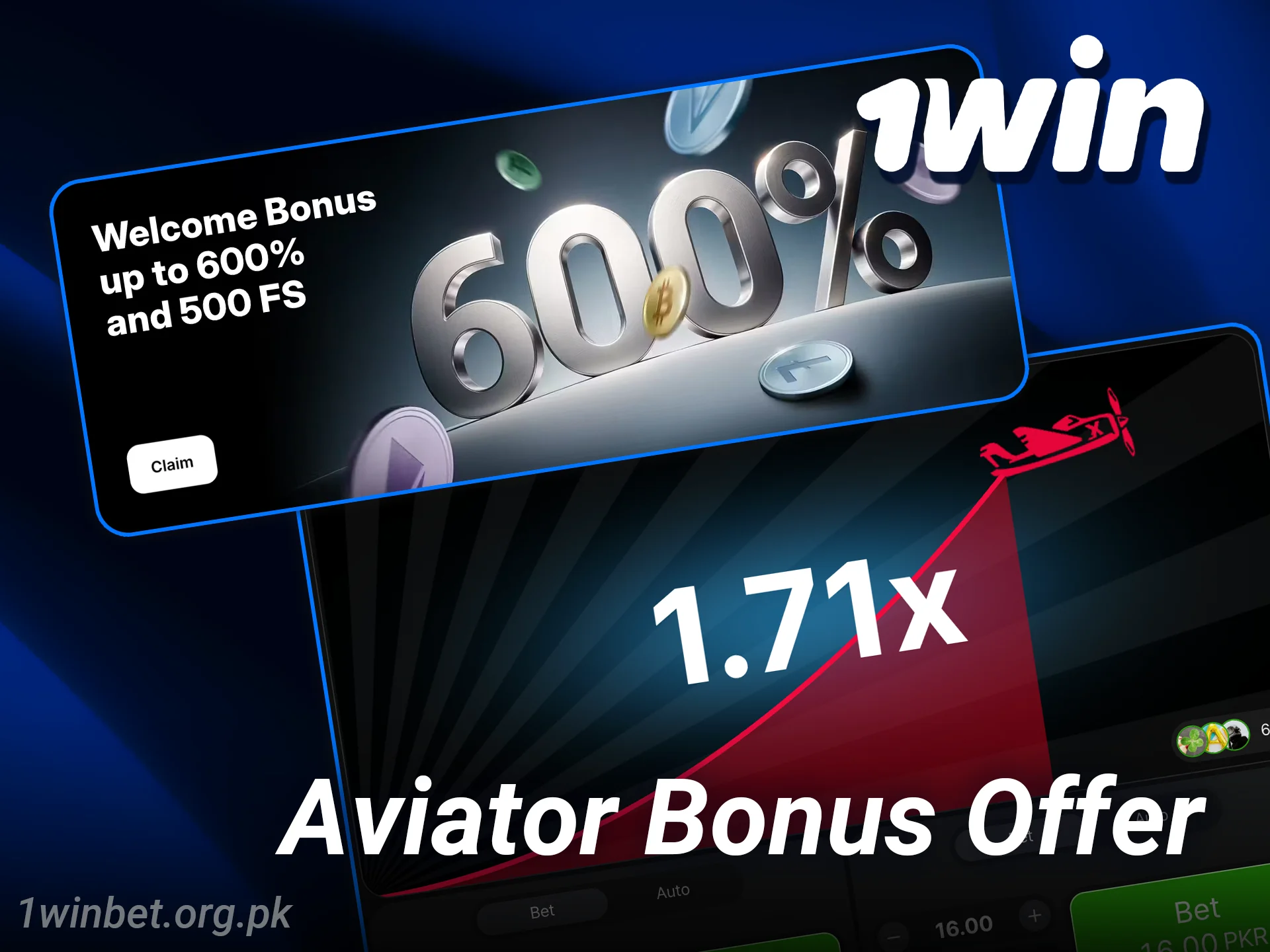
New users can boost their bankroll and extend Aviator sessions from day one. You can get 500% up to 600,000 PKR, or 600% up to 750,000 PKR on crypto deposits, applied to casino play including Aviator.
Bonus details:
Check bonus terms in your account for turnover, time limits, and any game weighting.
You can enjoy the Aviator on 1win app experience on Android through the APK and on iOS through a fast web app added to your Home Screen. The app setup supports deposits, withdrawals, live gameplay, and quick access to support on mobile.
There is no separate installation bonus; your welcome bonus applies after sign-up. Follow these steps to get playing on phone or desktop.
Desktop users can play on Windows or macOS through any modern browser.
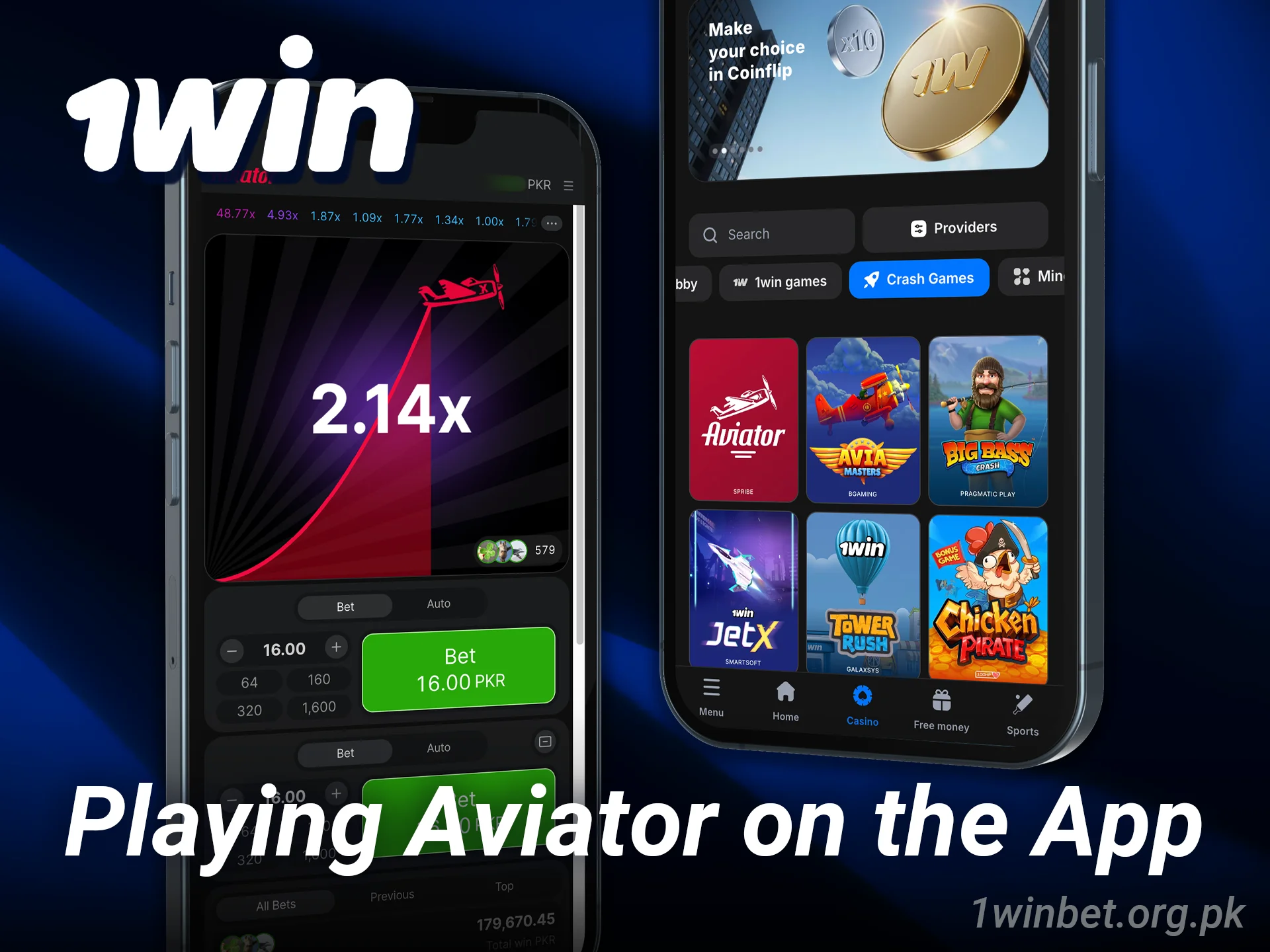
The Android app is available as an APK from the official website, giving you quick access to Aviator on mobile.
Always download the APK from the official site to keep your account secure.
Tap Install App below to open the Android download page.
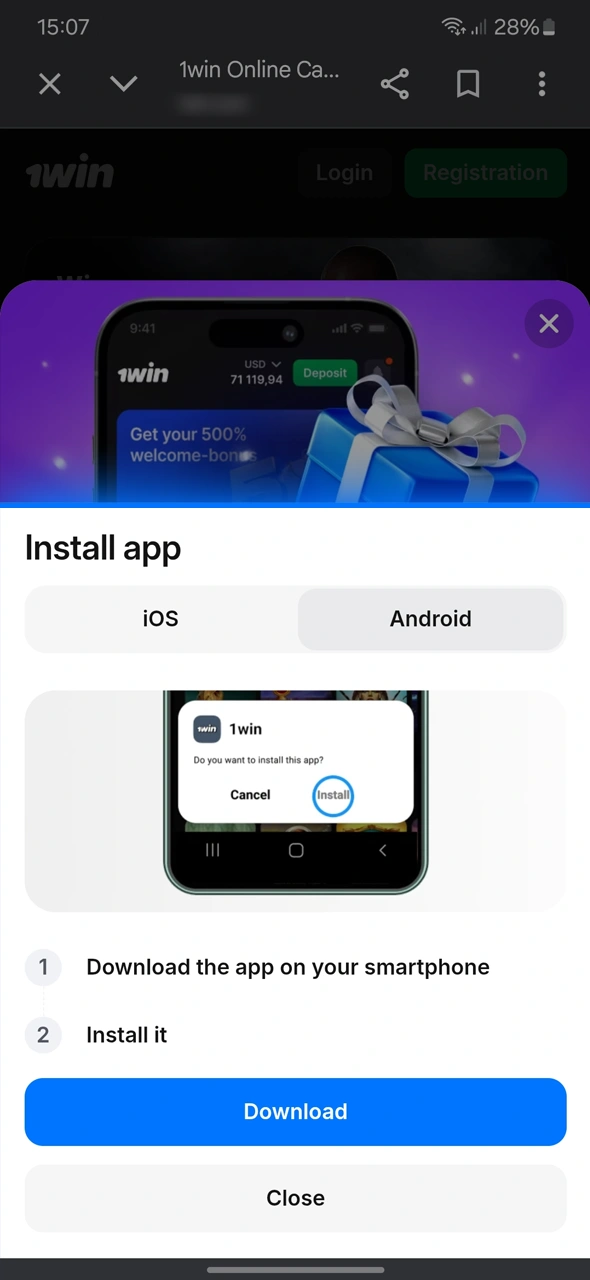
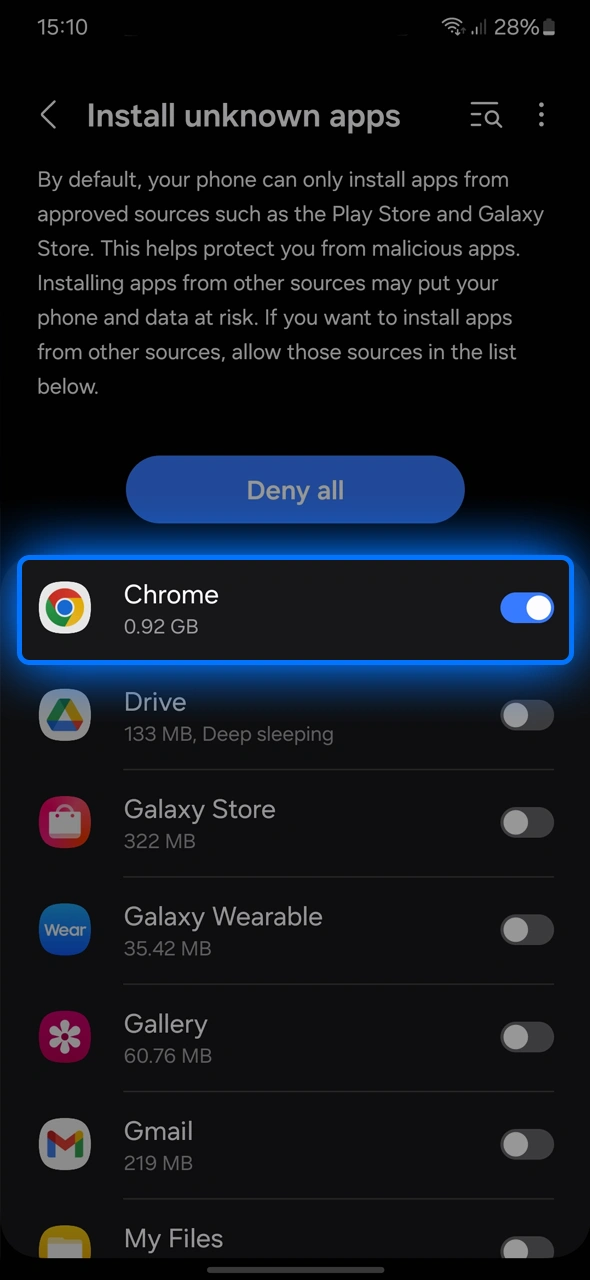
Download the APK and allow installs from this source in your phone settings.
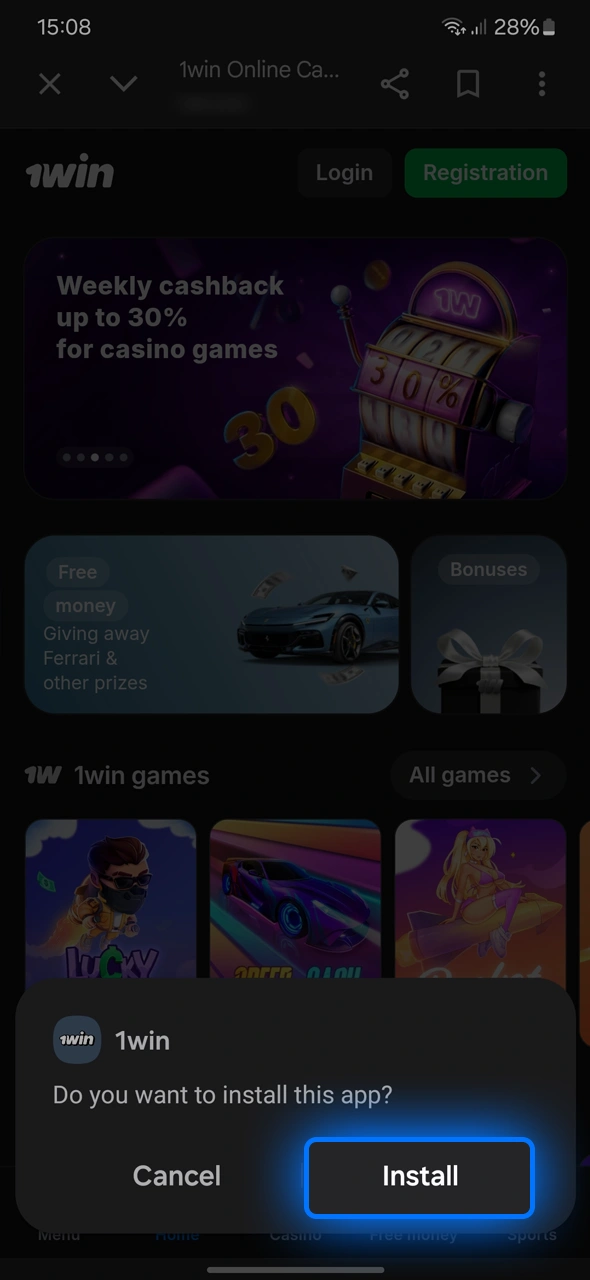
Open the APK file and complete installation.
Log in, deposit via JazzCash, Easypaisa, or card, and open Aviator.
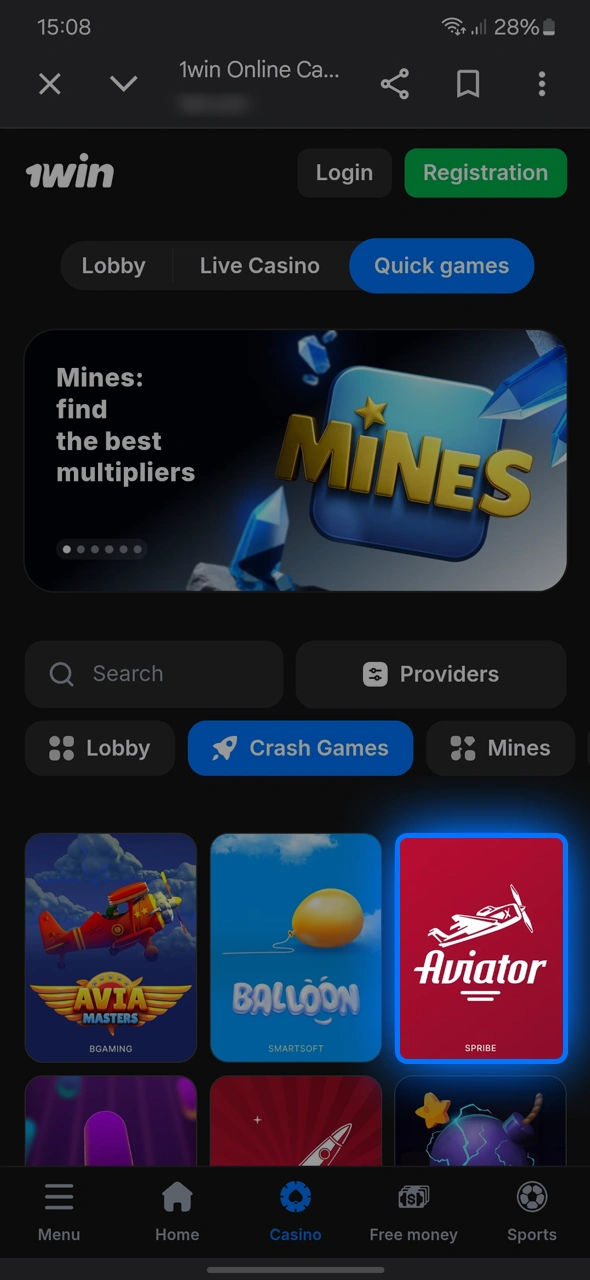
Set your bet and start cashing out at your target multiplier.
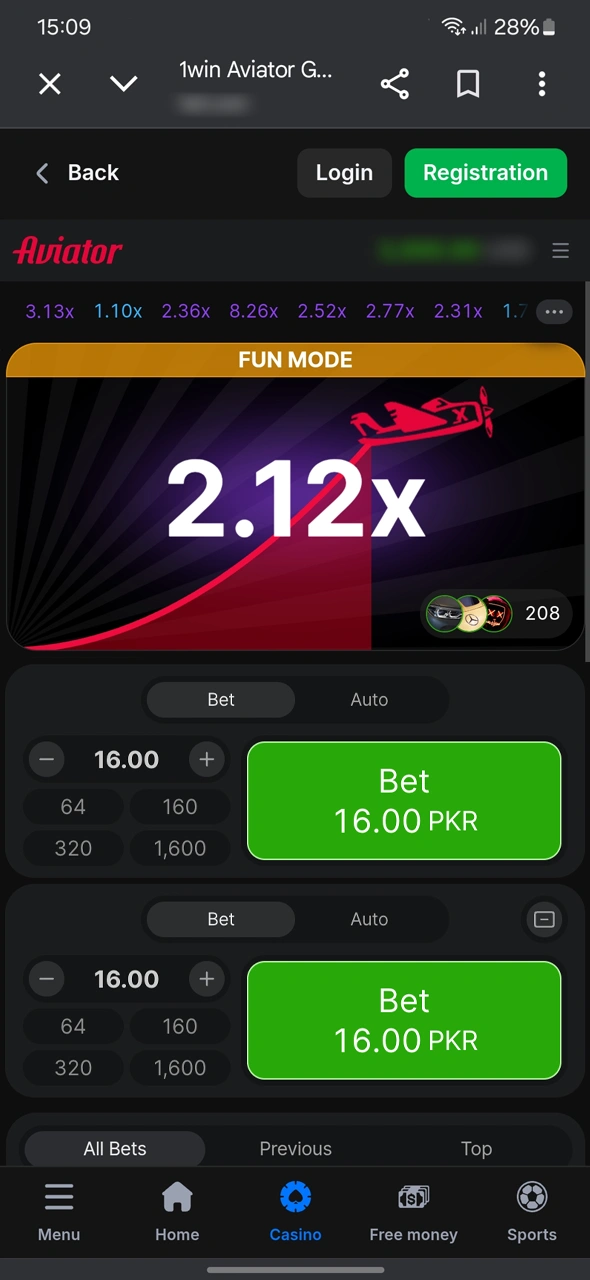
There is no App Store app; iPhone users play through the mobile website and can add a quick-launch web app to Home Screen.
The iOS web app gives fast access while keeping updates automatic through your browser.
Tap Download App or open the official site in Safari.
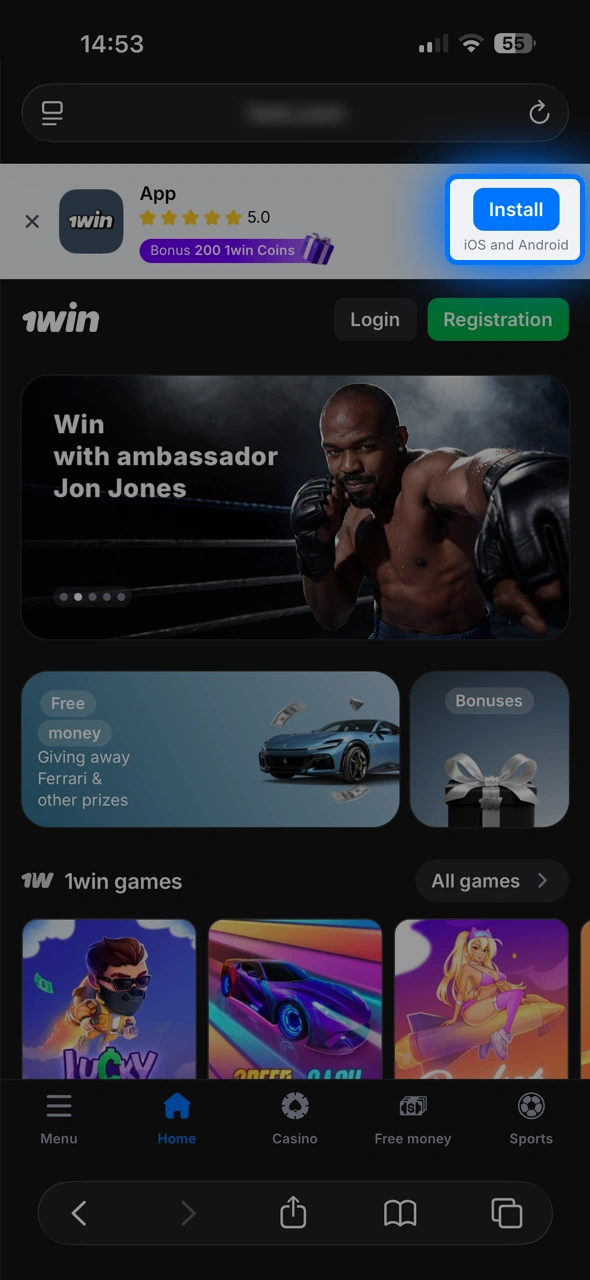
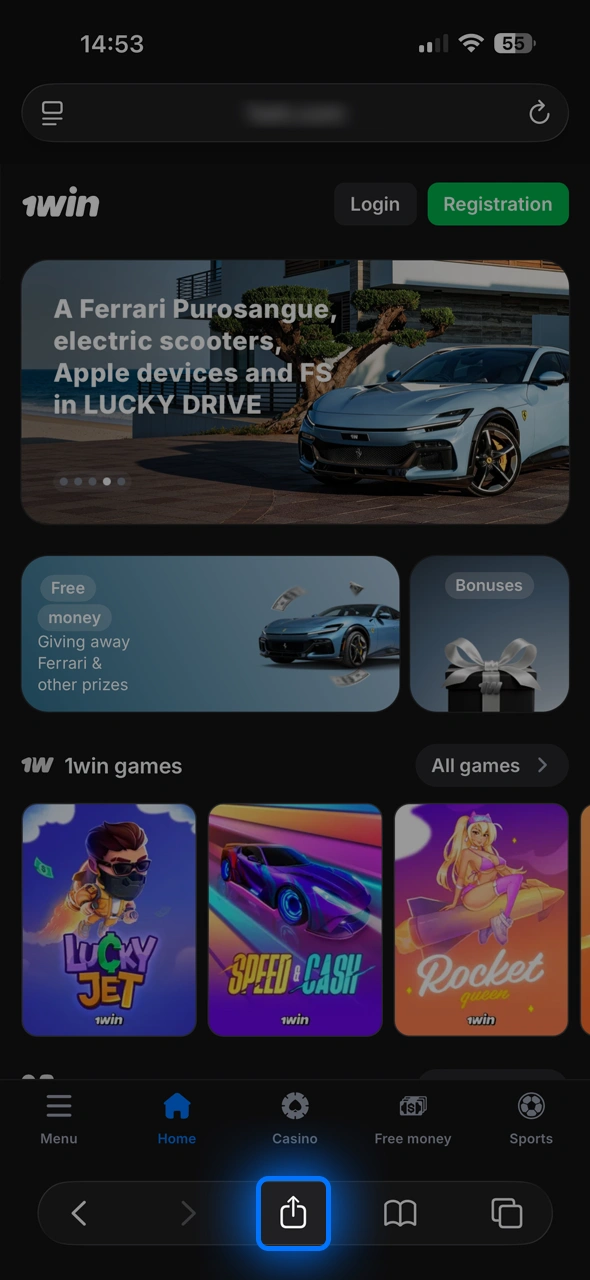
Tap the Share icon and choose Add to Home Screen.
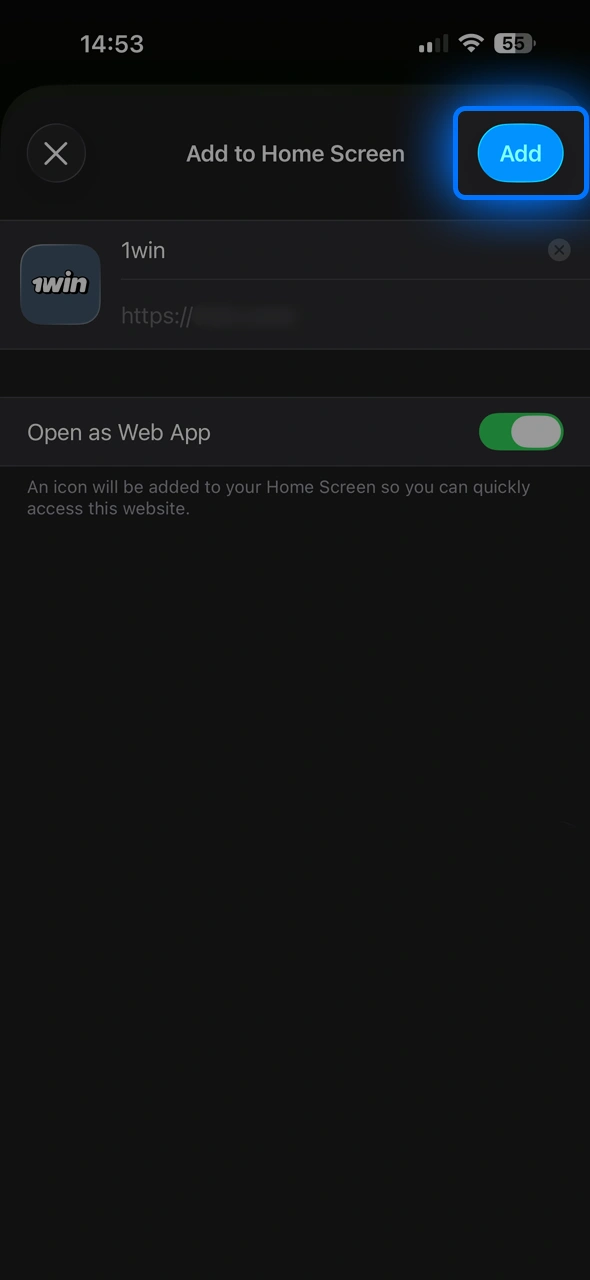
Confirm the name and add the shortcut.
Open the icon, log in, and fund your account.
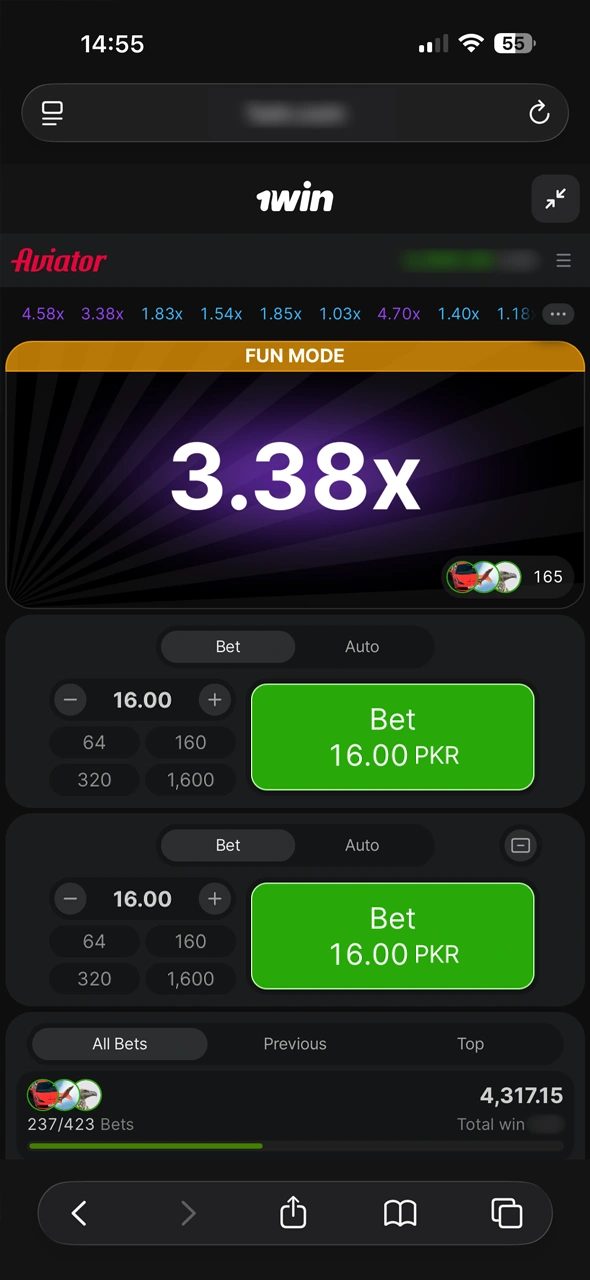
Launch Aviator and play rounds in full-screen mode.
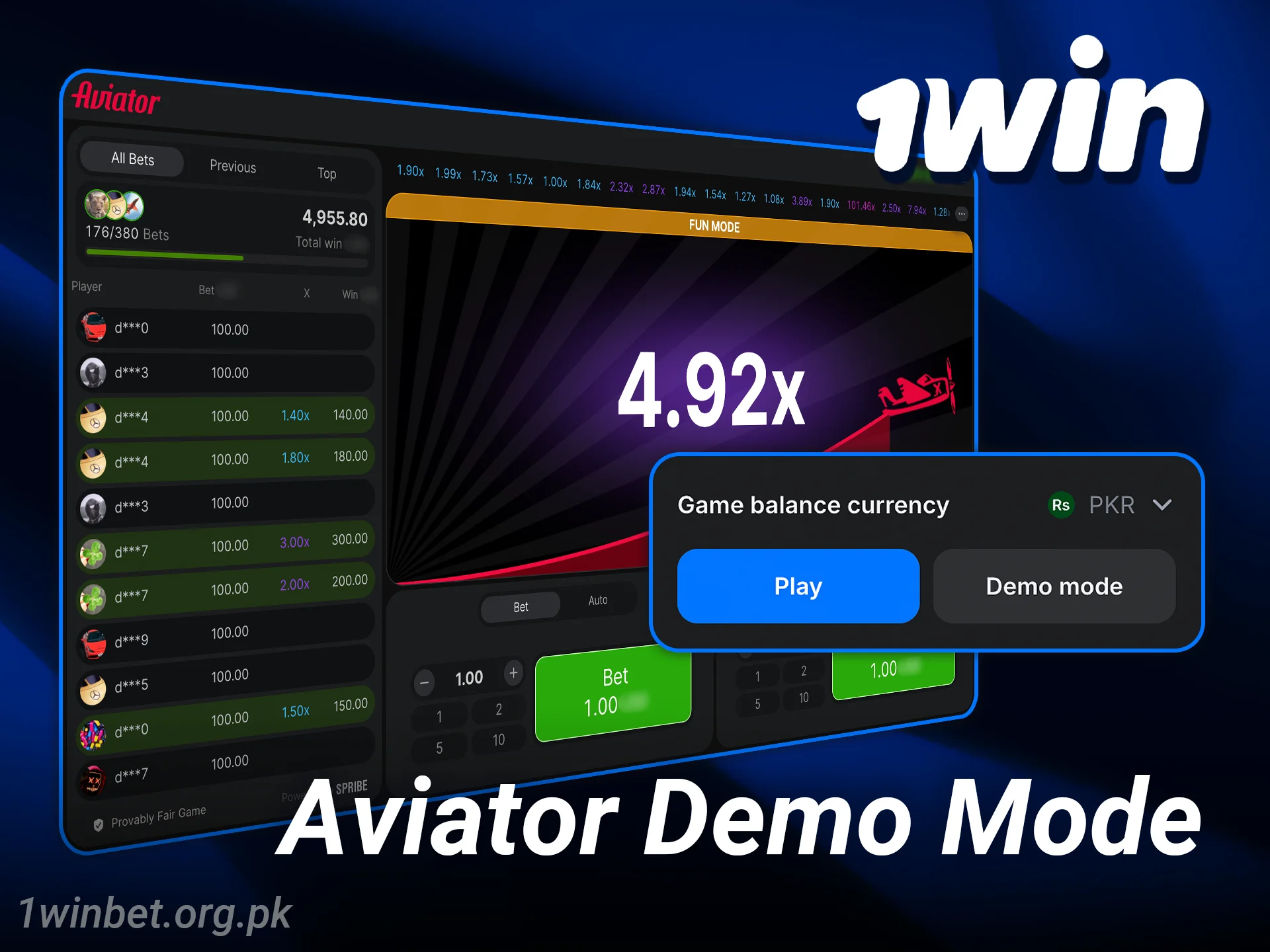
The Aviator demo 1win option lets you practice using virtual credits before risking real money. It is the best way to learn the pace and test cash-out targets safely.
Benefits of demo mode:
Switch to real stakes when you feel ready and comfortable with how the plane behaves.
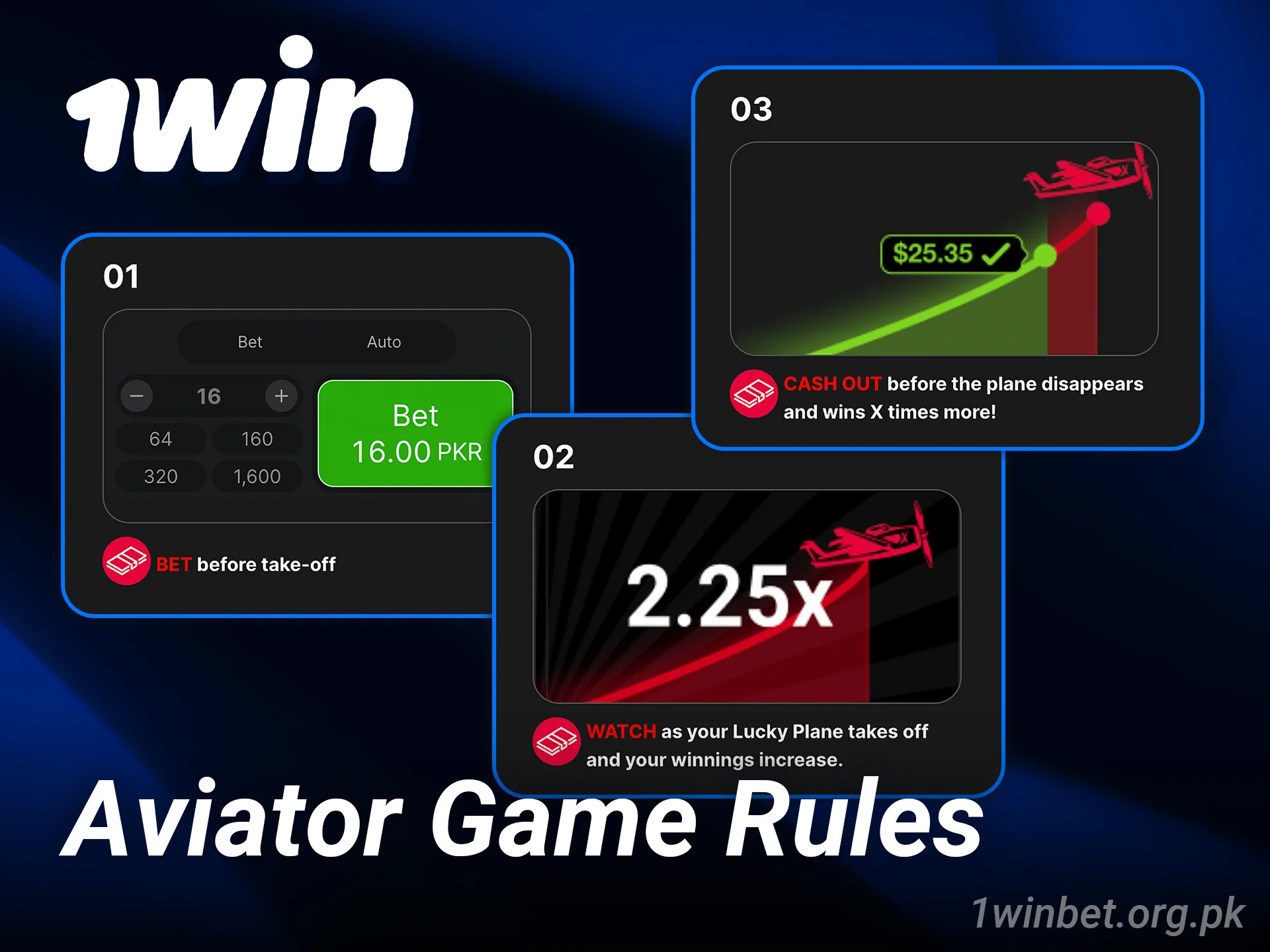
Aviator is a crash game where a plane takes off and a multiplier rises until it flies away. You place your bet, then cash out any time before the exit to lock your payout.
How it works:
Essential rules:
Read the in-game info panel for current limits, features, and RTP details.
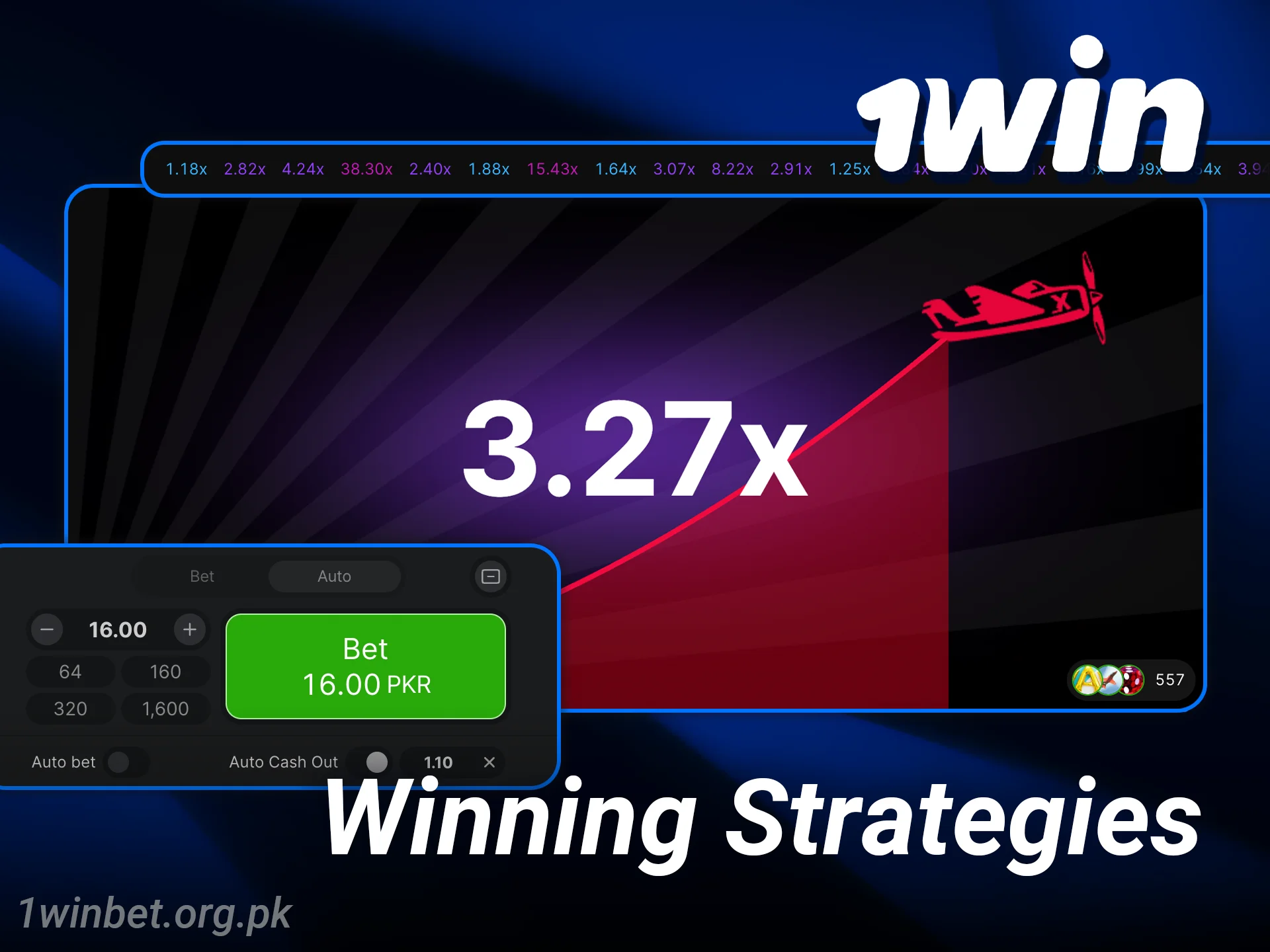
Smart strategies can help manage risk and improve consistency, but no method can guarantee a win. Keep your bankroll protected and stick to targets.
Practical tips:
The best edge is discipline and sticking to rules you set for yourself.
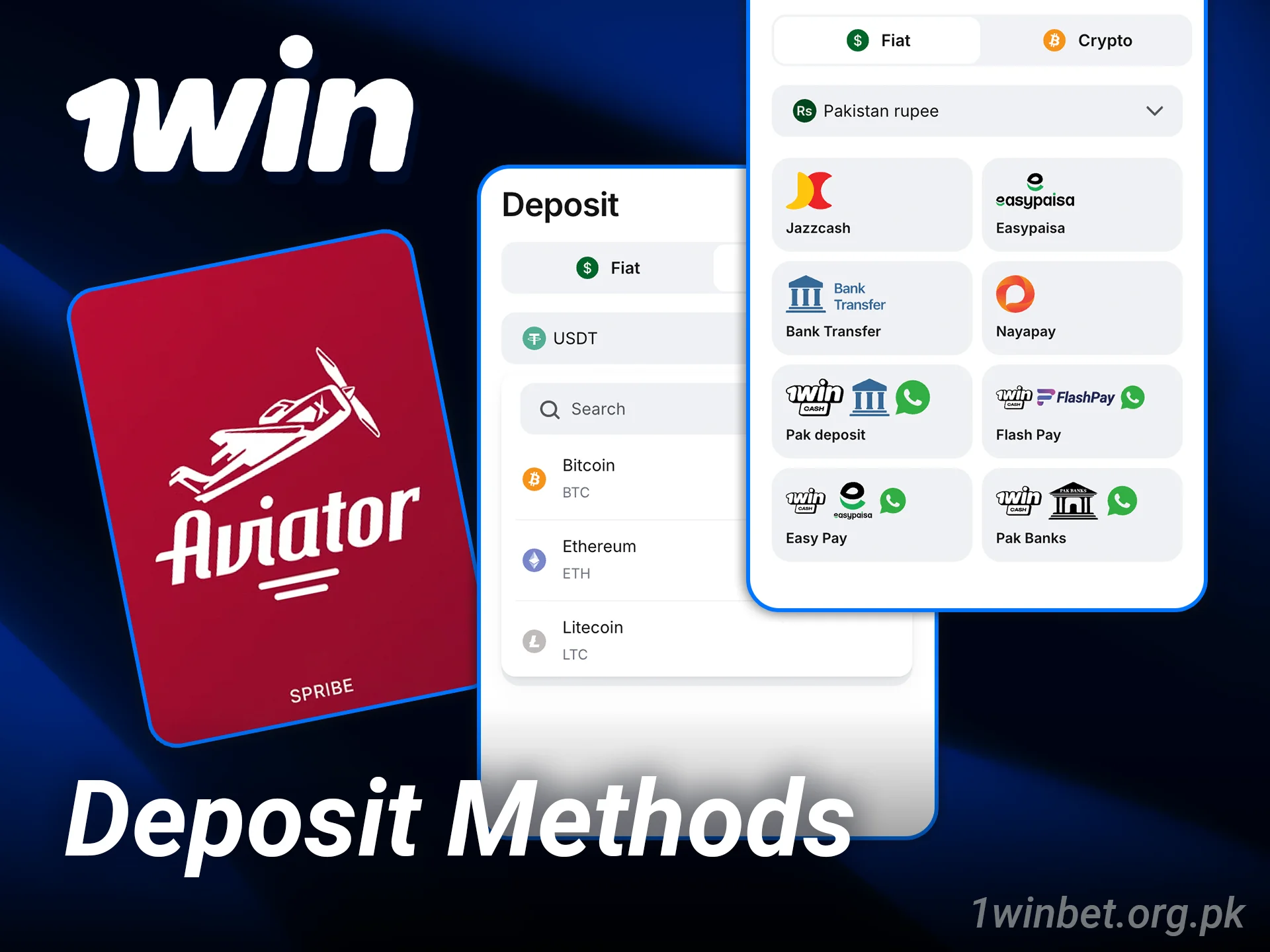
You can top up your account using popular options in Pakistan, including cards, digital wallets, bank transfers, and cryptocurrencies. Supported methods include:
Processing times and limits vary by method; check the cashier for current information before you deposit.
Choosing this platform for Aviator gives you quick access, local payment choices, and a fair crash experience tuned for Pakistan players.
You get a clean setup to focus on your strategy and timing.

Yes. Aviator by Spribe uses a cryptographic random process and a provably fair system so each round is independent.
Yes. Android users can install the APK, and iOS users can add the web app to Home Screen for full mobile access.
The long-term RTP is 97%, which indicates expected return over a large number of rounds, not per session.
The mechanics are the same, but demo uses virtual credits so you learn and test ideas without risking money.
Reset your password, check your SMS or email code, clear cache, and try again; contact support if the issue remains.
Updated: